
0 views 242 chars · 136 words 2 min read
Ubuntu26安装微信
1. 下载Linux版微信
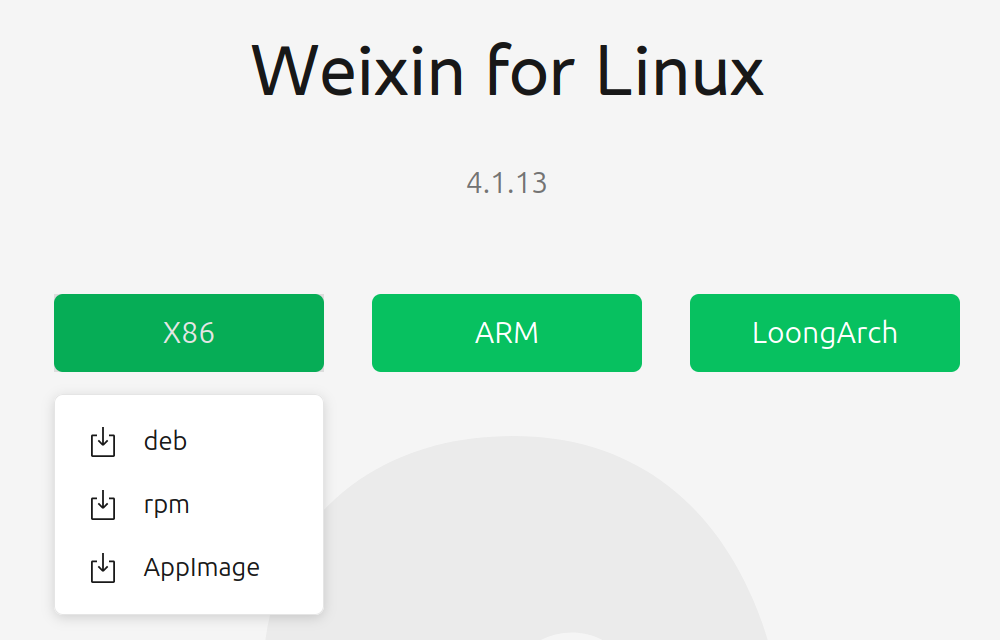
下载地址:https://linux.weixin.qq.com/en。我选择的是AppImage的版本的,主要是省事,虽然无法自动更新。
Bash
100%Bash / Shell
1# 加执行权限2chmod +x WeChatLinux_x86_64.AppImage3# 启动4./WeChatLinux_x86_64.AppImage除了可以终端打开微信软件以外,也可以到GUI的文件夹双击打开。
2. 添加快捷方式并修复图标
AppImage的软件在桌面没有快捷方式的图标,在侧边栏上也是一个齿轮的默认图标。首先要把微信的图标从AppImage里解压出来。
Bash
100%Bash / Shell
1# 在软件所在文件夹解压软件2./WeChatLinux_x86_64.AppImage --appimage-extract3 4# 找到WeChat.png5$ ls6WeChatLinux_x86_64.AppImage squashfs-root7squashfs-root$ ls8AppRun opt usr wechat.desktop wechat.png9 10# 存放到特定的位置11squashfs-root$ mkdir -p ~/.local/share/icons12squashfs-root$ cp wechat.png ~/.local/share/icons/13 14# 创建微信的desktop文件15~/.local/share/applications$ vim wechat.desktop16 17[Desktop Entry]18Type=Application19Name=微信20Name[zh_CN]=微信21Comment=腾讯Linux版微信22Comment[zh_CN]=腾讯原生Linux微信23# !!! 这里改成你自己AppImage的【绝对路径】24Exec=/home/你的用户名/WeChatLinux_x86_64.AppImage %U25Icon=/home/你的用户名/.local/share/icons/wechat.png26Terminal=false27Categories=Network;InstantMessaging;28StartupNotify=true29StartupWMClass=wechat30Keywords=聊天;IM;微信;31 32# 给desktop文件添加执行权限并刷新菜单缓存33~/.local/share/applications$ chmod +x wechat.desktop 34~/.local/share/applications$ update-desktop-database ~/.local/share/applications3. 本地文件位置
由于AppImage是打包好的软件,所以聊天记录和附件等就不在这里面。默认存在~/Documents/xwechat_files